
Early access
Explainer video maker for ideas that need a diagram
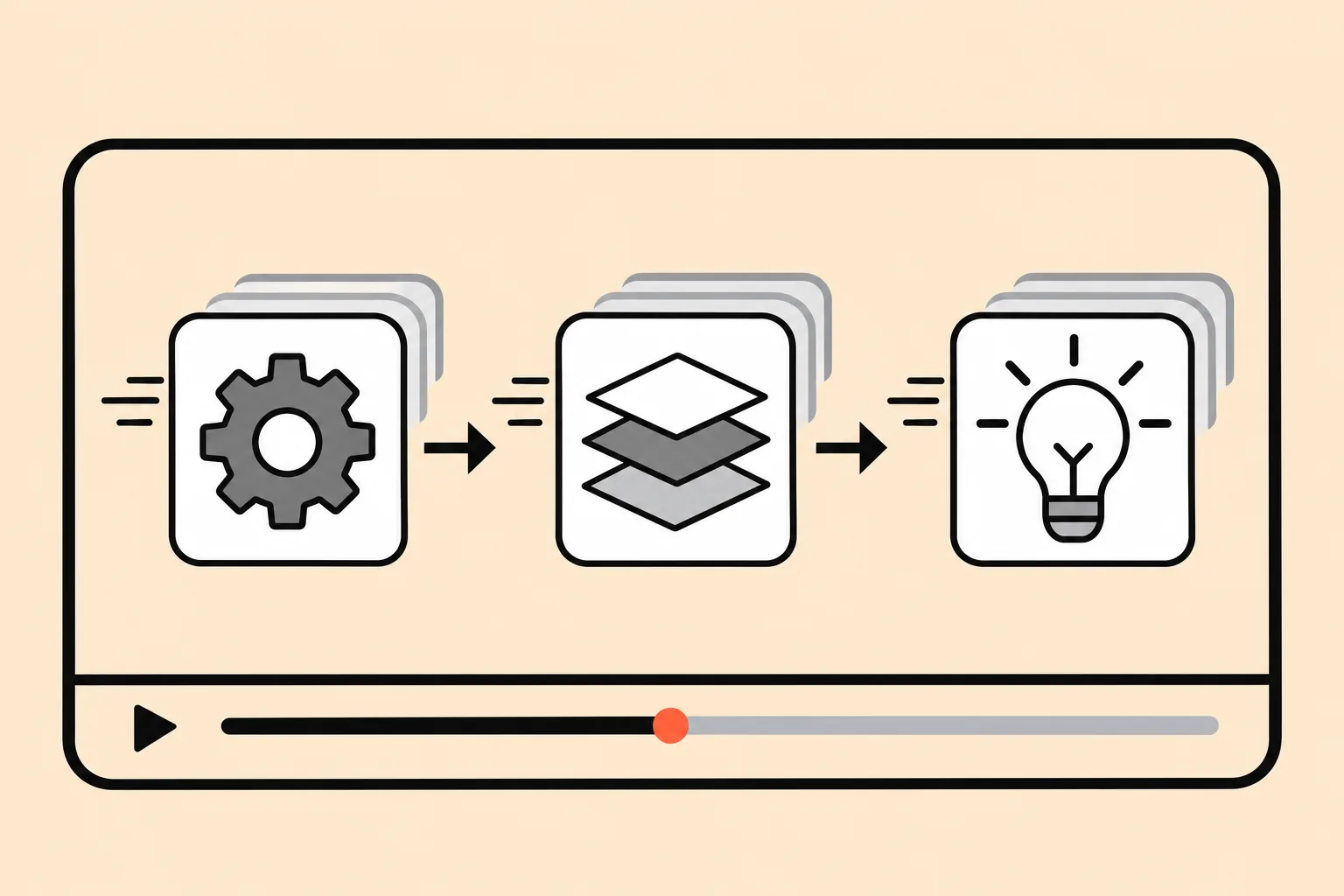
Paste your notes or the text of a doc. Vibe Video turns it into scenes with animated diagrams and a voiceover script, and you approve the plan before it renders.
What you bring
- Notes, a doc or a help article, pasted as text
- Who is watching and what they should understand
- Optional: logo, colors, screenshots
What you get
- A scene outline with one idea per scene
- Voiceover script you can edit line by line
- Animated diagrams, captions and an MP4
How it works
Four steps, two checkpoints
- 01
Brief and assets
Chat about the product, the audience and the length. Upload a logo, screenshots, product photos or footage.
- 02
Outline, script, credit estimate
You get a scene-by-scene outline, the voiceover script and how many credits the video will use. Change anything before a frame is rendered.
- 03
Approve the first 10 seconds
The opening clip renders first. Approve it, or say what to change and get a new take.
- 04
Full render, edits by chat
The rest follows the approved style. Ask for changes in words: shorter intro, slower pace, swap a screenshot.
Good fits
How your product works
A 60-second walk-through for your homepage.
Onboarding
Short clips for each step new users get stuck on.
Teaching a concept
Lessons and internal training with clear visuals.
Questions
What makes a good explainer video?
One idea per scene, a script written for listening rather than reading, and visuals that show the step being described. Vibe Video plans scenes this way and shows you the outline before rendering, so you can cut or merge scenes early.
How long should an explainer video be?
For a homepage, 60 to 90 seconds usually covers the problem, how it works and the next step. Onboarding clips work best at 15 to 30 seconds each. The credit estimate updates when you change the length.
Can I turn a document into an explainer video?
Yes. Paste the text and say who the audience is. The agent picks the key steps, writes a shorter spoken script and proposes a diagram for each scene.
Do I need design or animation skills?
No. You review the outline, the script and the 10-second preview in plain language. If something looks off, describe the change in a sentence.
Explain it once, in motion
Join early access and make your first promo from a single brief.