
Early access
How credits work
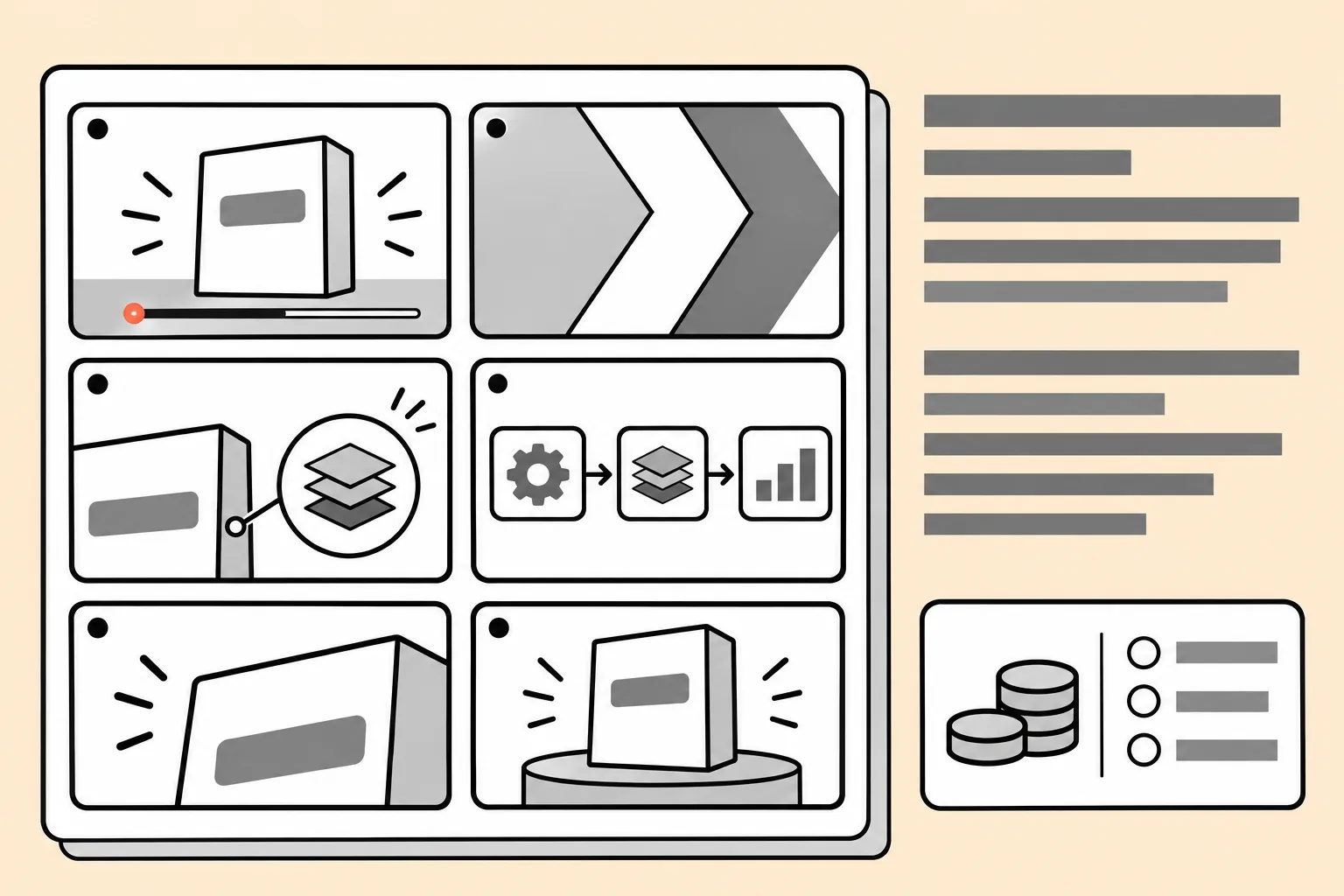
You see what a video will cost before it renders, and you can stop after the preview.
- 01
Estimate with the script
Length, voiceover and any generated footage are listed with their credits. Changing the script updates the number.
- 02
Preview uses a small part
The first 10 seconds render on their own, so a wrong direction costs a preview, not a whole video.
- 03
The rest after approval
The full render starts only when you approve the preview.
Plans
Credit packs and plans will be published when early access opens to everyone. Early access members hear about them first by email.
Get early accessWhy does the preview cost credits?
The preview is a real render of the opening seconds in the approved style, so it uses the same resources as the rest of the video. It is kept short so a wrong direction costs little.
Can the final cost be higher than the estimate?
The estimate is tied to the approved script. If you change the length or add voiceover after approving, a new estimate is shown before anything renders.
Can I stop after the preview?
Yes. The full render only starts when you approve the preview, so you can stop, edit the script or start over.