
Seedance video generation is live
Promo video maker that shows you the script first
Tell it what you are promoting and drop in your logo, screenshots or clips. The agent writes the script, generates the shots you do not have, and renders a 10-second preview before the full video.
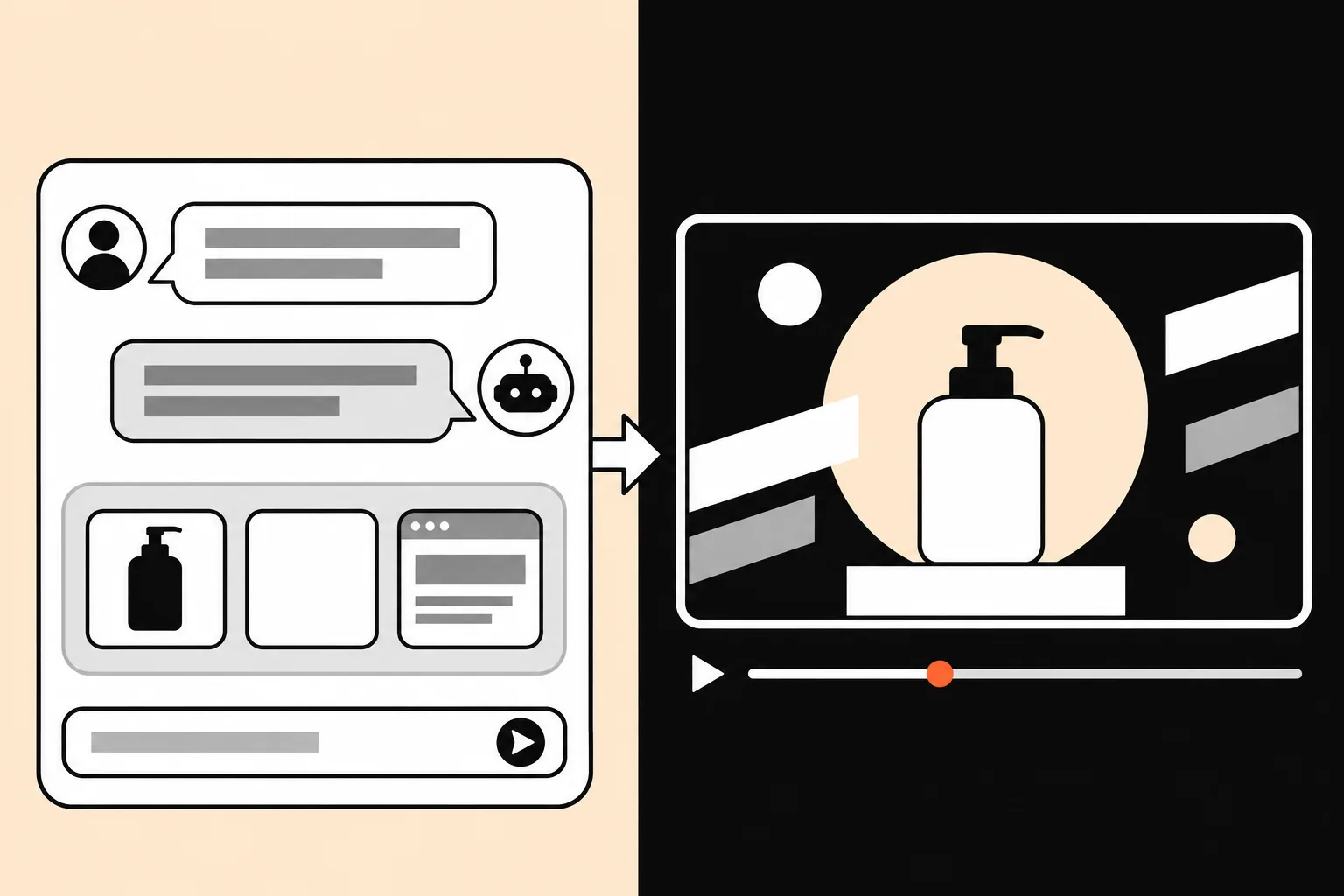
What you bring
- What you are promoting, the offer and the audience
- Logo, brand colors and any screenshots, photos or clips
- Where it will run: site, ads, YouTube or vertical feeds
What you get
- A hook, a script and a shot plan you approve first
- Generated shots and your footage cut together, text set as real type
- Cut-downs for each placement from the same project
Planning a promo
How the promo video maker builds a promo
A hook in the first two seconds
The script opens with the result or the problem, not the logo, because most viewers decide in the first seconds whether to keep watching.
One message per shot
Each shot carries one benefit with one visual, so the video still works with the sound off.
Real product, real text
Your screenshots and photos are used as they are, and prices and offers are set as type, so nothing on screen is invented by the model.
Generated shots where you have none
Lifestyle scenes, product in use or an opening shot can be generated with Seedance 2 and are marked in the plan so you know what is generated.
A clear call to action
The last shot holds long enough to read the offer and the next step, such as a URL, a code or a store badge.
Sized for each placement
Wide for your site and YouTube, vertical for Reels, Shorts and TikTok, square for feeds, all from one approved project.
How it works
From brief to final cut, with two checkpoints
- 01
Brief and material
Say what the video is for, who will watch it, how long it should be and where it will run. Add footage, screenshots, a logo or a reference video, or start from text alone.
- 02
Shot plan and credit estimate
You get a shot-by-shot plan that marks each shot as your footage, a generated clip or stock, with the script and the credits it will use. Change anything before rendering starts.
You approve - 03
Approve the first 10 seconds
The opening renders first so you can check pace, look and sound. Approve it, or say what to change and get a new take.
You approve - 04
Full render, edits by chat
The rest follows the approved style. Ask for changes in a sentence, such as a tighter intro, a different shot 4 or bigger captions, and only that part changes.
Choosing a format
Promo video, explainer or product demo?
A promo video sells one thing fast: it leads with the result, shows two or three benefits and ends on an offer. It works where attention is short, such as ads, social feeds and the top of a landing page.
If viewers first need to understand how something works, an explainer video fits better. If they already know the product and want to see it in action, make a product demo. The same brief and assets can feed all three, so you can start with a promo and reuse the project.
Good fits
Product promos
A 15–30 second pitch for your homepage and ads.
Events and offers
Sales, launches and webinars announced in motion.
Social ads
Several hooks tested from one brief.
Questions
Is this an AI promo video generator or an editor?
Both. Describe what you are promoting and add your logo plus any screenshots or clips. The agent writes the script, generates the shots you do not have with Seedance 2, edits them together with your material and shows a credit estimate. After you approve, it renders a 10-second preview, and the full video follows once the preview looks right.
How long should a promo video be?
For ads and social feeds, 15 to 30 seconds. For a homepage or a launch, 30 to 60 seconds leaves room for two or three benefits and a call to action. Shorter cut-downs can come from the same project.
Do I need my own footage?
No. A logo and a description are enough to start; the agent fills the shots with generated clips, stock and type. Real screenshots or product photos make a promo more convincing, so add them if you have them.
Can I make several versions for ads?
Yes. Ask for alternative hooks or lengths and they are planned from the same project, each with its own credit estimate before rendering.
Can the video show my exact price and offer?
Prices, codes and dates are set as text over the footage, not drawn by the video model, so they appear as you wrote them. Check them in the preview.
How do I make a promo video with AI?
Describe what you are promoting, who it is for and how long it should be, then add your logo and any screenshots or clips. Approve the script and shot plan, check the 10-second preview, and the full video renders after that. Changes are requested in plain words.
Keep exploring
Your next launch deserves a video
Generate your first Seedance video now. The full agent workflow is opening in stages.